HTML2MP4 / CREATE ONLINE
Video templates
A head start with structure.
Choose a reusable video layout, fill in your message and export an MP4. Start with a sale, launch, event or app walkthrough instead of a blank canvas.
Explore before signing in. New accounts get 3 free credits.
A CONCRETE STARTING POINT
Start with a clear brief.
Load the template with example fields, then replace them with your own details before creating.
FIELDS TO PREPARE
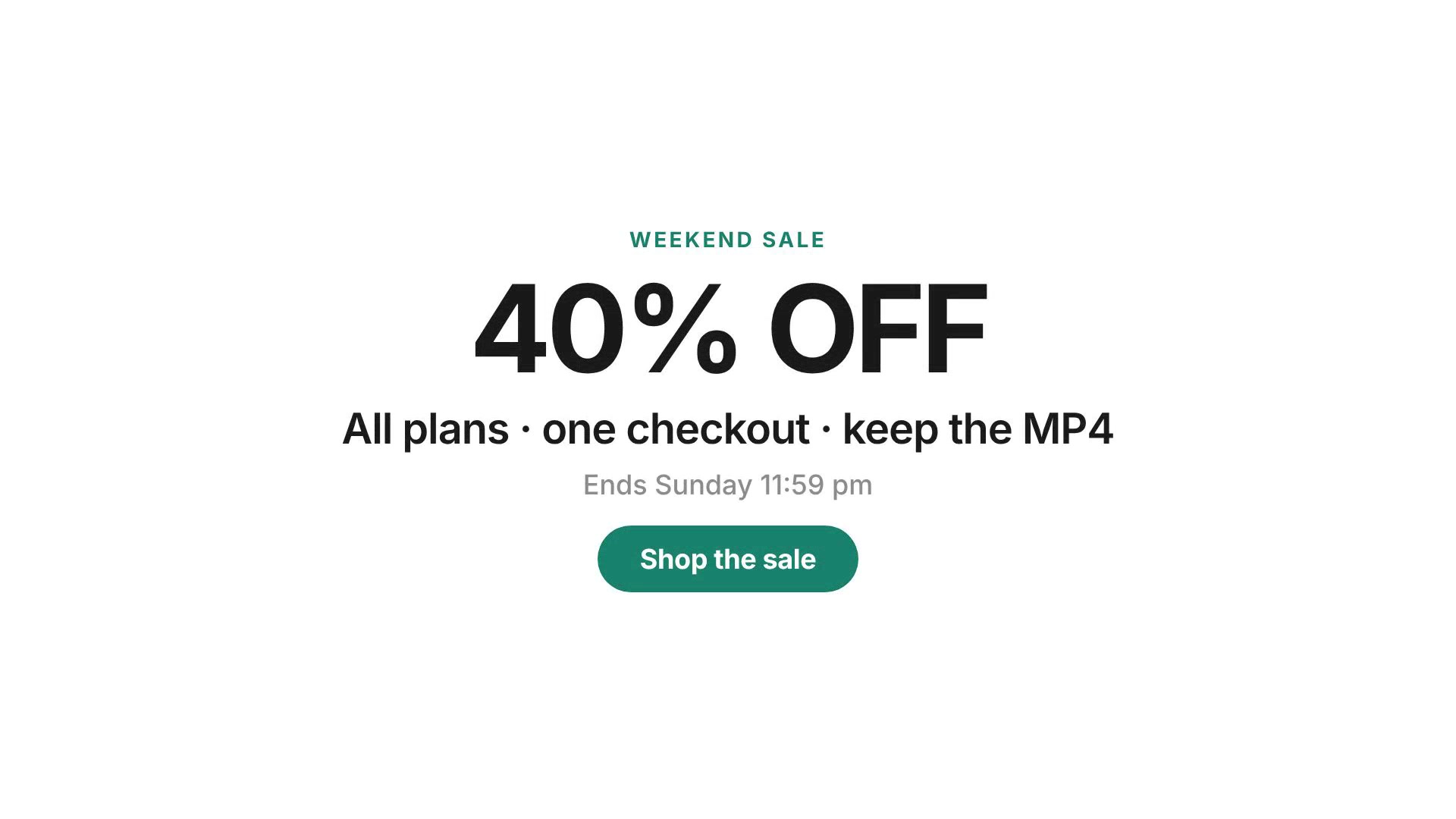
Choose Sale promo. Fill in your brand, offer, deadline and call to action. Use your own approved discount and campaign dates.
- 01Pick a layout
- 02Fill the template fields
- 03Export your video
YOUR TURN
Make the next video yours.
Review your inputs, choose the available output settings, and sign in when you are ready to create.
Choose a template
Cards deep-link into the Templates form on this page with that pack selected (sign in when you create). Fill the fields, then enqueue. Successful jobs cost 1 credit; there is no submit-time preview.
How it works
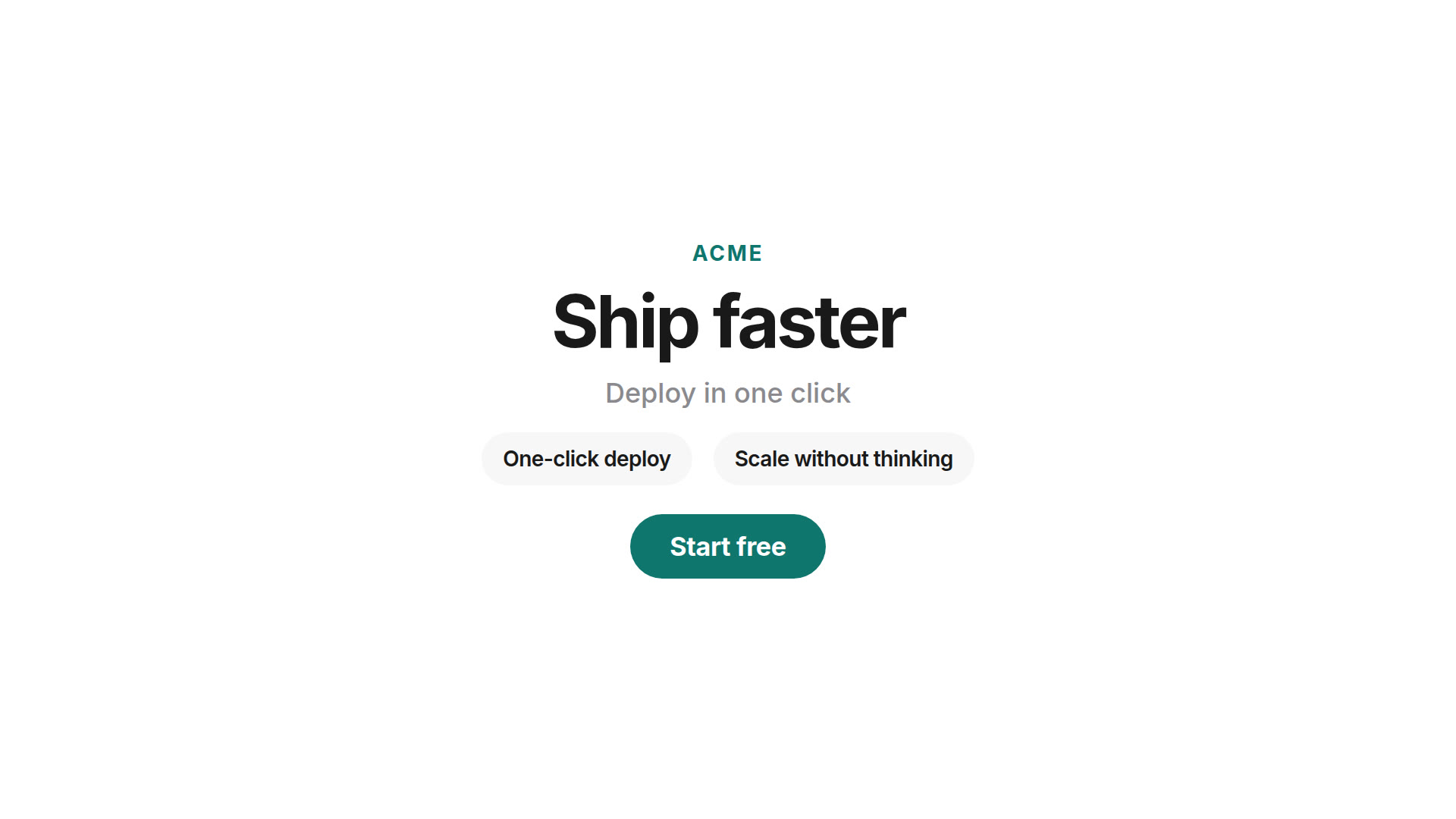
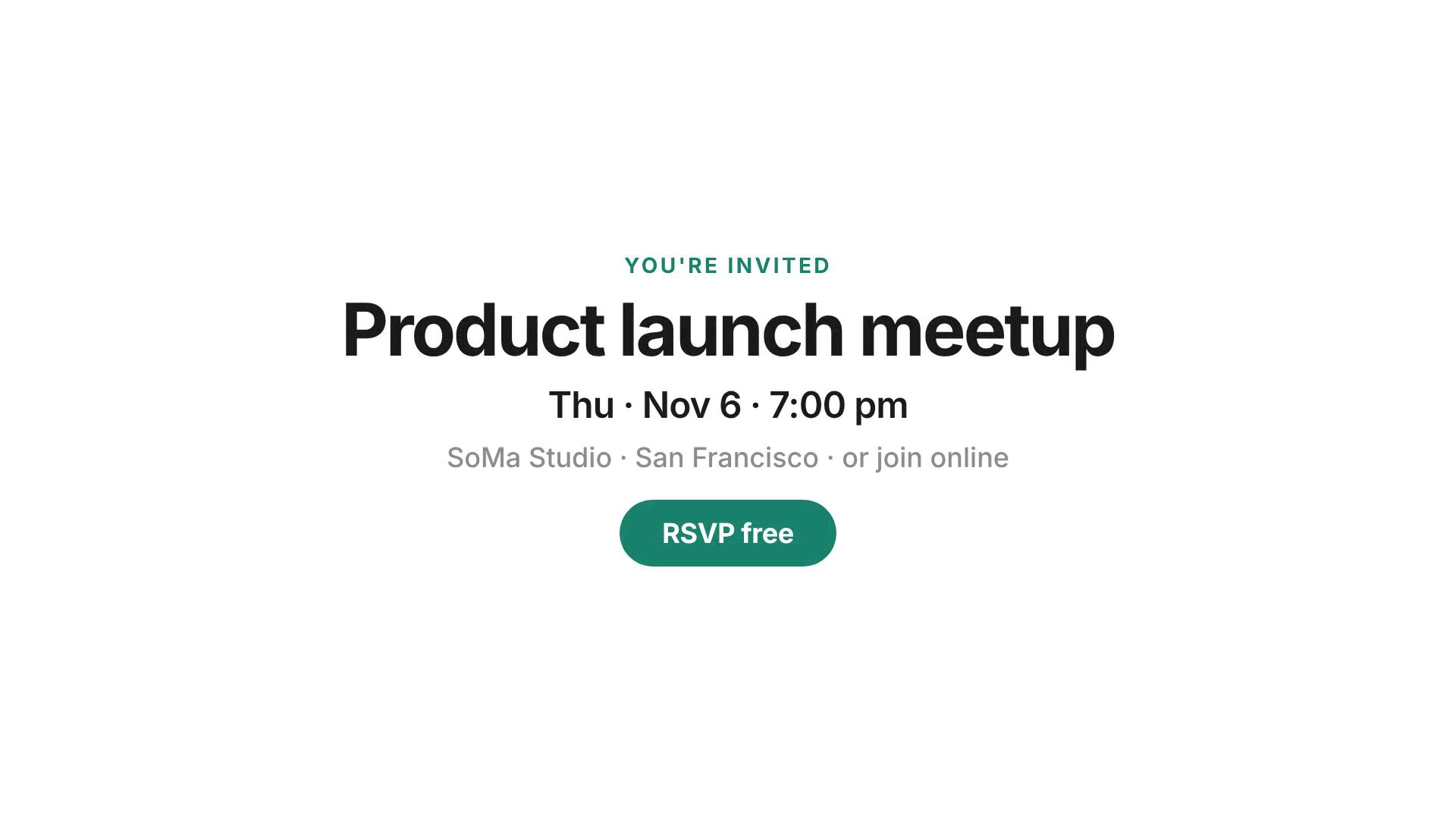
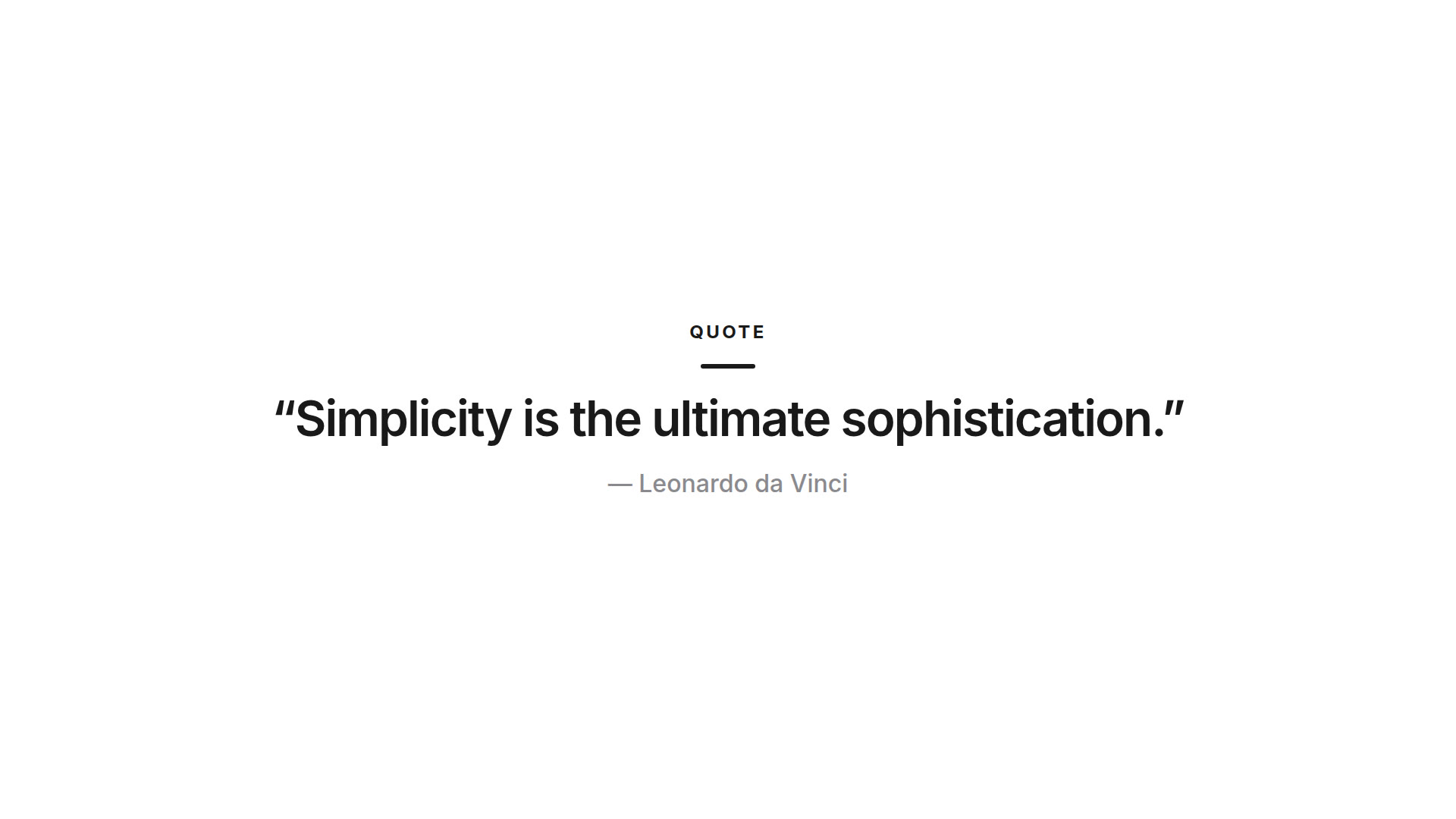
- Pick a curated template — Product launch, sale promo, event invite, quote card, app demo, CSS text reveal or HTML feature grid. Each pack ships with a base HyperFrames composition and a Codex skill.
- Fill the schema fields — Usually six fields or fewer: headlines, offers, dates, CTAs, optional accent colors. No timeline scrubbing and no live preview.
- Enqueue the job — We debit 1 credit (same as other scenes), run Prompt Sift first when configured, then Paseo/Codex applies the template skill and HyperFrames renders the MP4.
The same picker also lives on the Video templates tab and can be opened from the Prompt tab. Prefer a blank brief instead? Use prompt to video.
Quick start checklist
Honest path from this page to a downloadable MP4 — sign-in required, no preview, 1 credit per successful render:
- Pick a pack — Choose a card above (or use the Templates form on this page / Video templates). Sign in with Google or email code when prompted; new accounts get 3 free credits.
- Fill ≤6 fields — Headlines, offers, dates, CTAs, optional accent colors. Stay inside the schema max lengths so mobile frames stay readable.
- Pick aspect ratio — 16:9, 1:1, 4:5 or 9:16 before you enqueue.
- Enqueue — Submit spends 1 credit on success. There is no submit-time preview. System failures refund the credit automatically.
Need boundaries vs other paths? See Templates vs Prompt / HTML / CLI.
Templates vs Prompt vs paste HTML vs local CLI
Templates fits when a curated ready-made layout matches your story — fill fields, enqueue, download. No user-uploaded mother templates in v1, no live preview editor, and no public REST API for video jobs.
- vs Prompt — Free-form brief when no pack fits; still 1 credit and no preview. Landing: prompt to video.
- vs paste HTML — You already authored a HyperFrames composition; use HTML to MP4 / the HTML form instead of a curated pack.
- vs local HyperFrames CLI — Open-source CLI on your machine for local or CI control (see install and the tutorial). Hosted Templates is the no-install path with credit billing.
Same credit rule across hosted scenes. Prefer a live URL or brand assets? Use website to video or brand kit video.
Who it’s for
Video templates are for people who want a known layout without writing a free-form prompt or pasting HTML. You still get a real MP4 render — not a CapCut-style editor and not a screen recording.
- Founders and marketers — Ship a launch, sale or invite clip when the story fits a known pattern.
- Growth teams — Reuse the same structure with new offer copy and CTAs without rebuilding motion from scratch.
- Creators who dislike blank prompts — Answer a short form instead of inventing scene direction every time.
- Agencies prototyping cuts — Try a curated pack before committing to a custom HyperFrames composition.
Starting from words alone? Use prompt to video. Have a live URL? Use website to video. Logo, colors and exact lines? Use brand kit video. Pasting your own HTML? Use HTML to MP4. Portfolio stills? Use showcase video.
What you get
Each successful Templates job returns a downloadable H.264 MP4. Before create you pick the frame:
- Landscape 16:9 — YouTube, decks, websites.
- Square 1:1 — Feed posts.
- Portrait 4:5 — Instagram feed.
- Vertical 9:16 — Reels, Stories, Shorts, TikTok.
Length stays in the usual 6–30 second band (pack defaults land inside that range). Cost is 1 credit per successful render. Prompt Sift runs before debit when billing safety is configured — same fail-closed path as other scenes. If the system fails to produce a video, the credit is returned.
Templates is not a mother-template marketplace, not a live preview editor, and not a second billing system. Official packs live in the repo under templates/official/; Codex follows each pack’s skill.md against your field values.
Tips for better template videos
- Keep fields short — Headlines and CTAs that fit the schema max lengths read better on mobile.
- Match the destination — Choose 9:16 for Reels and Shorts; keep 16:9 for site embeds and decks.
- Use accent colors sparingly — When a pack asks for a hex, a single brand color is enough.
- Re-run with clearer copy — There is no scrubbing preview; if the cut misses, enqueue again with tighter lines.
- Honest limits — v1 does not accept user-uploaded template packs. Choose an official pack here, or use the HTML form for your own composition.
More on the engine: what is HyperFrames?
Common questions
What is a video template on Html2MP4?
An official curated HyperFrames layout with a short form (about six fields or fewer). You pick a template on this page, fill the fields, and we enqueue a server render. There is no live preview editor before submit.
Which templates are available?
Official packs include Product launch, Sale promo, Event invite, Quote card, App demo, CSS text reveal, and HTML feature grid. Each pack includes editable fields for its own use case.
How many credits does Templates use?
One credit per successful render — the same as Prompt, Website, Brand kit, HTML and Showcase. System failures refund the credit.
Templates vs Prompt — which should I use?
Use Templates when a curated ready-made layout fits (launch, sale, invite, quote, app demo, CSS reveal, feature grid). Use Prompt when you need a free-form brief and no pack matches. Both cost 1 credit; neither offers a submit-time preview.
Is Templates the same as paste-your-own HTML?
No. HTML to MP4 is for compositions you already authored. Templates starts from our curated base HTML plus a Codex skill that applies your field values.
Can I upload my own mother template?
Not in this version. Only the official pack is available. User-uploaded mother templates are out of scope for v1.
Do I get a preview before paying a credit?
No. The Templates flow is pick → fill → enqueue. There is no preview step before debit, matching the product decision for v1.
Do I need to sign in?
Yes. Create jobs require an account (Google or email code). New accounts get 3 free credits. See Pricing for packs when you need more.