HTML2MP4 / CREATE ONLINE
Prompt to video
Give your words a scene.
Describe the message, pacing and look. Turn a text prompt into an animated MP4 for announcements, explainers or social posts.
Explore before signing in. New accounts get 3 free credits.
A CONCRETE STARTING POINT
Start with a clear brief.
The button fills the form below. Replace the example details with your own; it does not submit a render.
EXAMPLE BRIEF
Create a 6-second silent event announcement in 16:9. Pink background, navy type and a large FRI 18:00 date card. Headline: Friday starts right here. Supporting copy: Meet the makers. See what is next. Join us for an evening of new ideas. Reveal the headline first, then the date and supporting copy. End on Save your seat.
- 01Write the headline
- 02Describe the motion
- 03Download your MP4
YOUR TURN
Make the next video yours.
Review your inputs, choose the available output settings, and sign in when you are ready to create.
Pick a sample to try or tweak
See template examples Browse templates How it works
Prefer a ready layout instead of a blank prompt?
Prompt stays the primary path on this page — free-form language in the form above. The cards below open Video templates with that pack selected (fill schema fields → enqueue). They are not the Prompt form. Use Templates when you want a fixed layout; use Prompt when you only have a brief and want the agent to invent the composition.
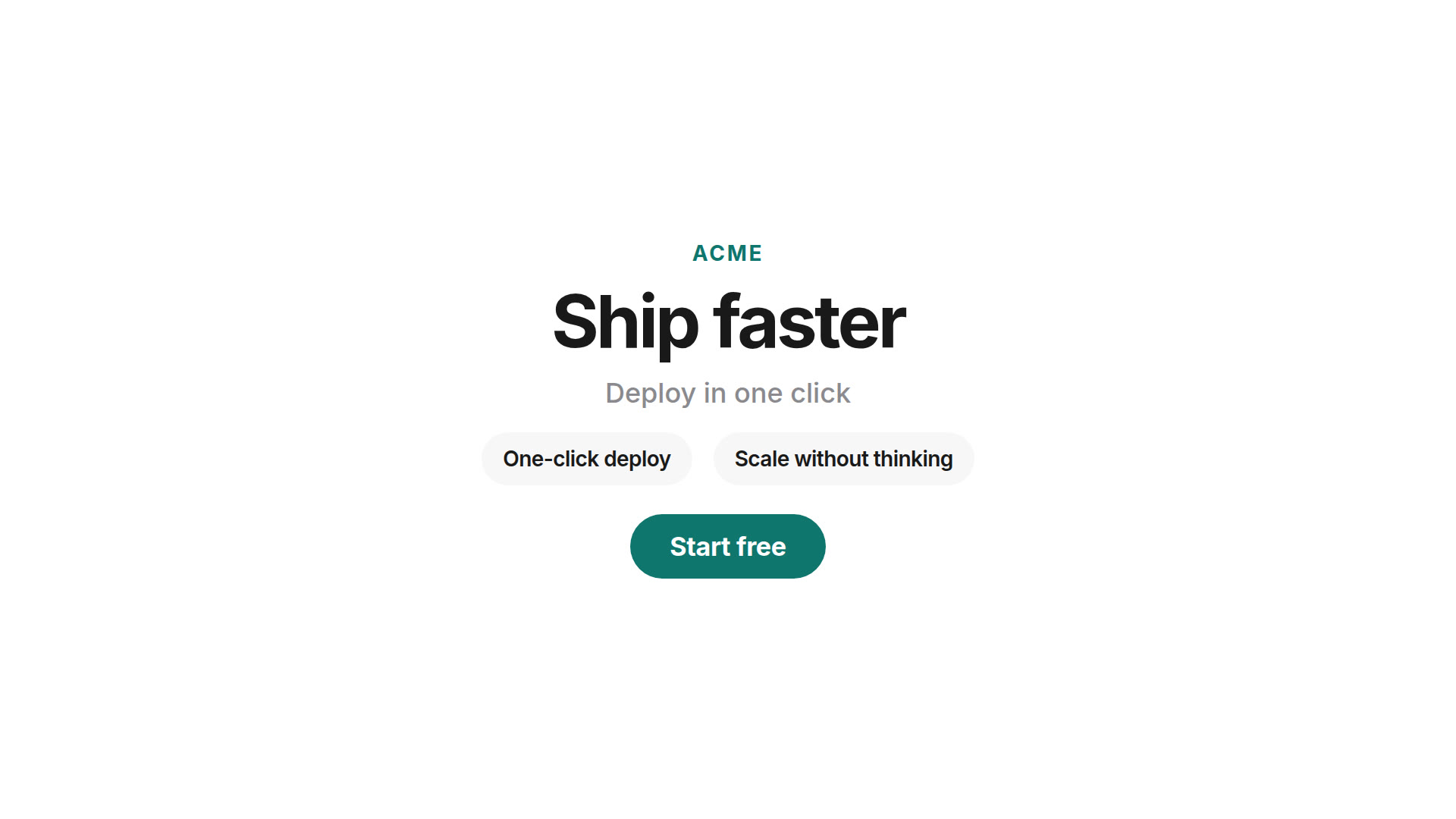 Product launchBrand, headline, feature beats, CTA — via Templates.
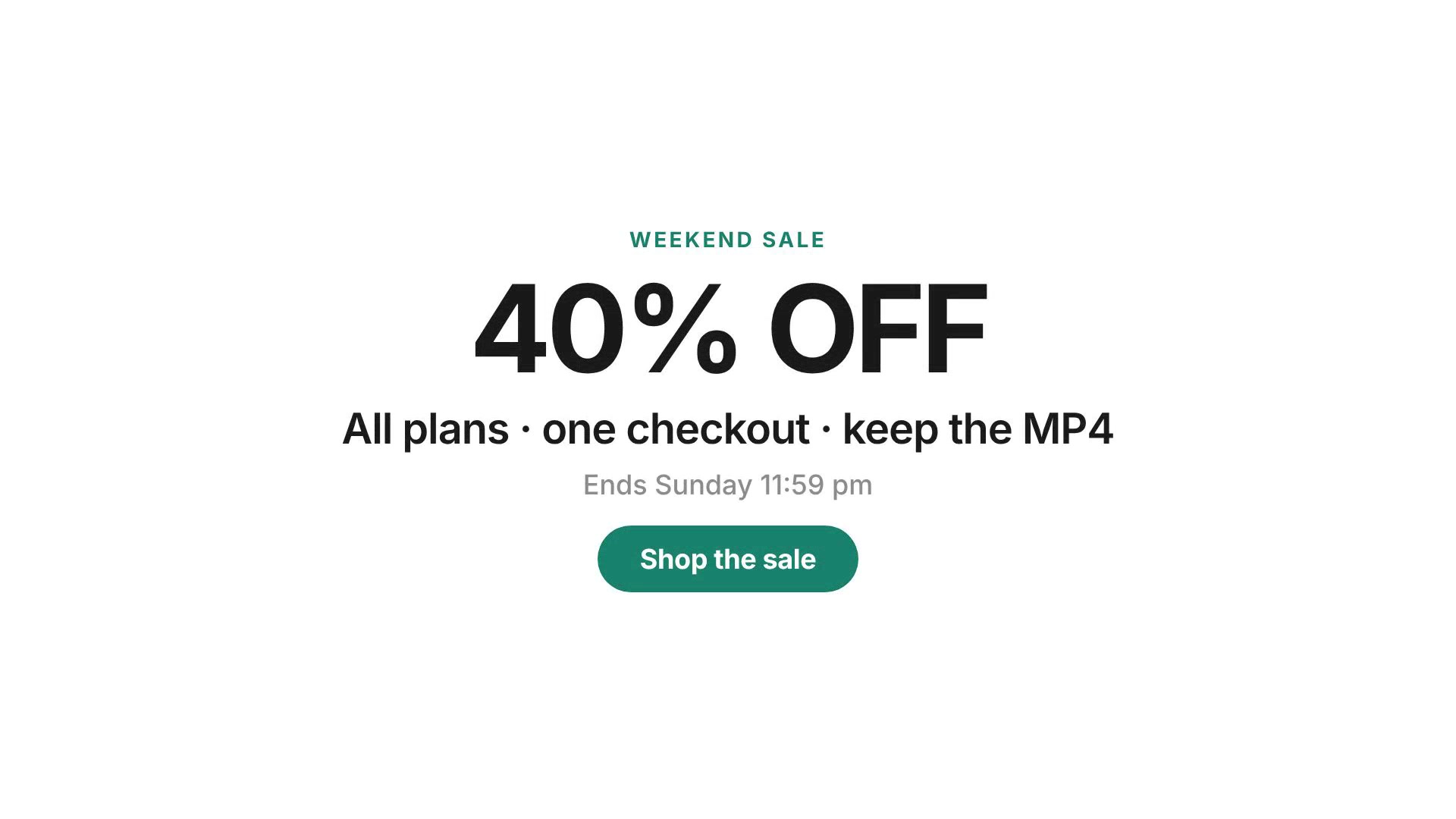 Sale promoOffer, deadline, shop CTA — via Templates.
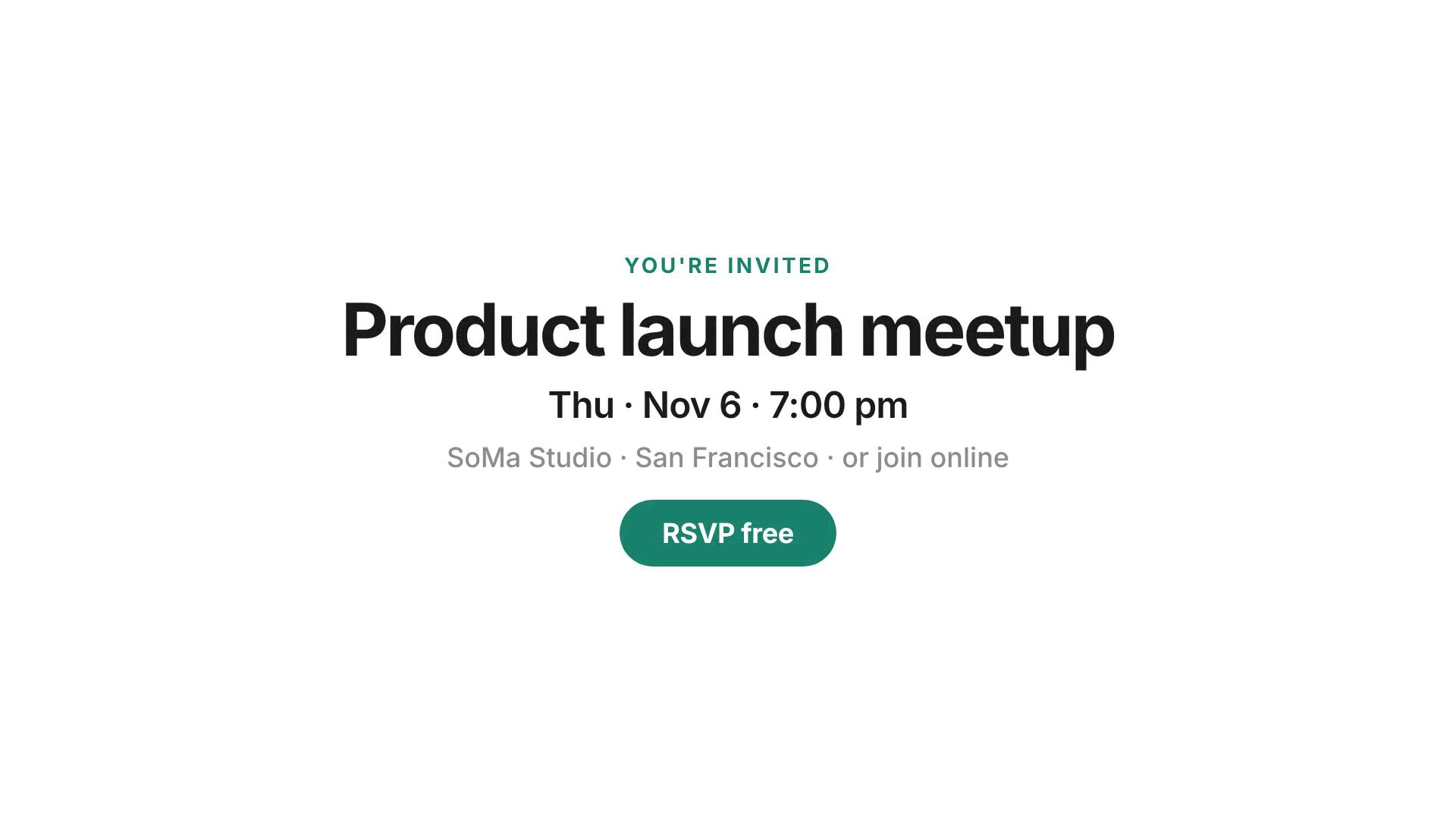 Event inviteDate, venue, RSVP — via Templates.
Also available: CSS text reveal, HTML feature grid, quote-card, app-demo. Full library: Video templates. Free-form brief: stay on the Prompt form above.
How it works
- Write what you want — Scenes, on-screen copy, style, length and how it should end. Example chips on the create form cover launches, countdowns, quote cards and explainers.
- We generate HyperFrames HTML — A coding agent authors a seekable HTML composition from your brief. Prompt mode may invent wording and layout from what you describe.
- Render and download MP4 — There is no preview editor before submit. Headless Chrome captures each frame; FFmpeg encodes a standard MP4. A successful job costs 1 credit.
Prefer a curated layout with a short field schema? See video templates. Locked copy + logo + colors: brand kit video. Start from a public URL: website to video. Paste markup: HTML to MP4. Engine background: what is HyperFrames?
Who this page is for
Turn your written brief into a prompt to video project. Describe your message and visual direction, then create an MP4 for an announcement, explainer, or social post.
- Founders and marketers — Ship a launch or promo clip from a paragraph brief when design bandwidth is gone.
- Indie makers — Turn a feature list into a short explainer without writing HyperFrames HTML by hand.
- Growth and content teams — Iterate wording and scene ideas quickly; re-run with a clearer prompt if the first cut misses.
- Anyone who hates blank-canvas editors — Prefer typing a brief over scrubbing a timeline.
If you already have approved lines and a logo, use brand kit video. If you want a fixed official layout, use video templates. If you only have screenshots of finished work, use showcase video.
Prompt vs Templates vs Brand vs Website
Html2MP4 is one product with several create tabs. Pick the path that matches what you already have:
- Prompt form on this page — Free-form language. The agent may invent wording and composition. Best when you only have a brief.
- Video templates — Official examples (Product launch, Sale promo, Event invite, CSS text reveal, HTML feature grid, and more) with a fixed layout and a short field schema (about ≤6 fields). Template cards above open this path — not the Prompt form.
- Brand kit video — Exact lines you wrote; optional logo + hex colors. The product keeps your copy instead of inventing slogans.
- Website to video — Public URL → server-side composition → MP4 when the live page already looks right.
- HTML to MP4 — Paste a page or HyperFrames composition when design already exists in markup.
- Showcase video — Portfolio reel from project images (length follows material, up to 2 minutes).
Honest limits for all paths: no submit-time preview editor; flow is form → enqueue → download. Successful renders cost 1 credit; new accounts get 3 free signup credits to try. System failures return the credit. Packs are on Pricing. Html2MP4 does not expose a public REST video API on this site.
What you get
Each successful job returns a downloadable H.264 MP4. Before create you choose aspect ratio:
- Landscape 16:9 — Site embeds, YouTube, decks.
- Square 1:1 — Feed posts.
- Portrait 4:5 — Instagram feed.
- Vertical 9:16 — Reels, Stories, Shorts, TikTok.
Typical length is about 6–30 seconds depending on the brief and format. Engine background: what is HyperFrames?
Tips for a better prompt
- Name the brand and CTA — “Acme · headline · three feature beats · Shop now” beats a vague “make a cool video”.
- List scenes in order — Opening title → product beats → end card with URL reads cleaner than one long paragraph.
- Say the look — Flat UI, dark mode, bold type, soft gradients — a few style words steer the composition.
- Match the channel — Choose 9:16 when the clip is for Reels/Shorts; keep 16:9 for site embeds and decks.
- Need a fixed layout? — Open a template card above or browse video templates; keep the Prompt form for free-form briefs.
- Locked legal copy? — Use brand kit video so wording stays exact.
Questions? Email contact@html2mp4.com.
Common questions
What can I put in a prompt?
Anything you would brief a motion designer: product launches, webinar countdowns, quote cards, step-by-step explainers, title cards. Name the brand, the lines of text, the look and the CTA.
Do I need to write HTML?
No. The Prompt tab is for free-form language. If you already have HyperFrames HTML, use the HTML to MP4 flow instead.
Will the agent invent wording?
Yes — Prompt mode may invent or rephrase lines from your brief. Use Brand kit when you must keep exact approved copy, or Templates when you want a fixed layout with a short field schema.
Can I use a template instead of a free-form prompt?
Yes. Keep the Prompt form on this page for free-form briefs. Template cards open /video-templates/ (Templates tab) with that pack selected (Product launch, Sale promo, Event invite, and more). Same 1-credit render; no preview editor before submit.
How long does a job take?
Most jobs finish in a few minutes. You get one active job per account while it runs.
What formats can I export?
Landscape 16:9, square 1:1, portrait 4:5 and vertical 9:16, from about 6 to 30 seconds.
How much does a prompt render cost?
1 credit per successful render. New accounts get 3 free signup credits to try. System failures return the credit. Packs are on Pricing. There is no preview editor before submit.