HTML2MP4 / CREATE ONLINE
Product demo video
Show the next step.
Explain how your product works with a short, structured walkthrough. Start with an app-demo template, replace its fields, and export a video people can follow.
Explore before signing in. New accounts get 3 free credits.
A CONCRETE STARTING POINT
Start with a clear brief.
Load the template with example fields, then replace them with your own details before creating.
View the example HTML ↗FIELDS TO PREPARE
App name: Orbit
Headline: From idea to done.
Step 1: Capture an idea
Step 2: Plan together
Step 3: Ship the work
CTA: Ready to launch
- 01Choose the app-demo pack
- 02Fill your product steps
- 03Render the walkthrough
YOUR TURN
Make the next video yours.
Review your inputs, choose the available output settings, and sign in when you are ready to create.
Product demo templates
Cards open Video templates with that pack selected. Sign in when prompted, fill the short field schema, enqueue (1 credit; no preview editor before submit).
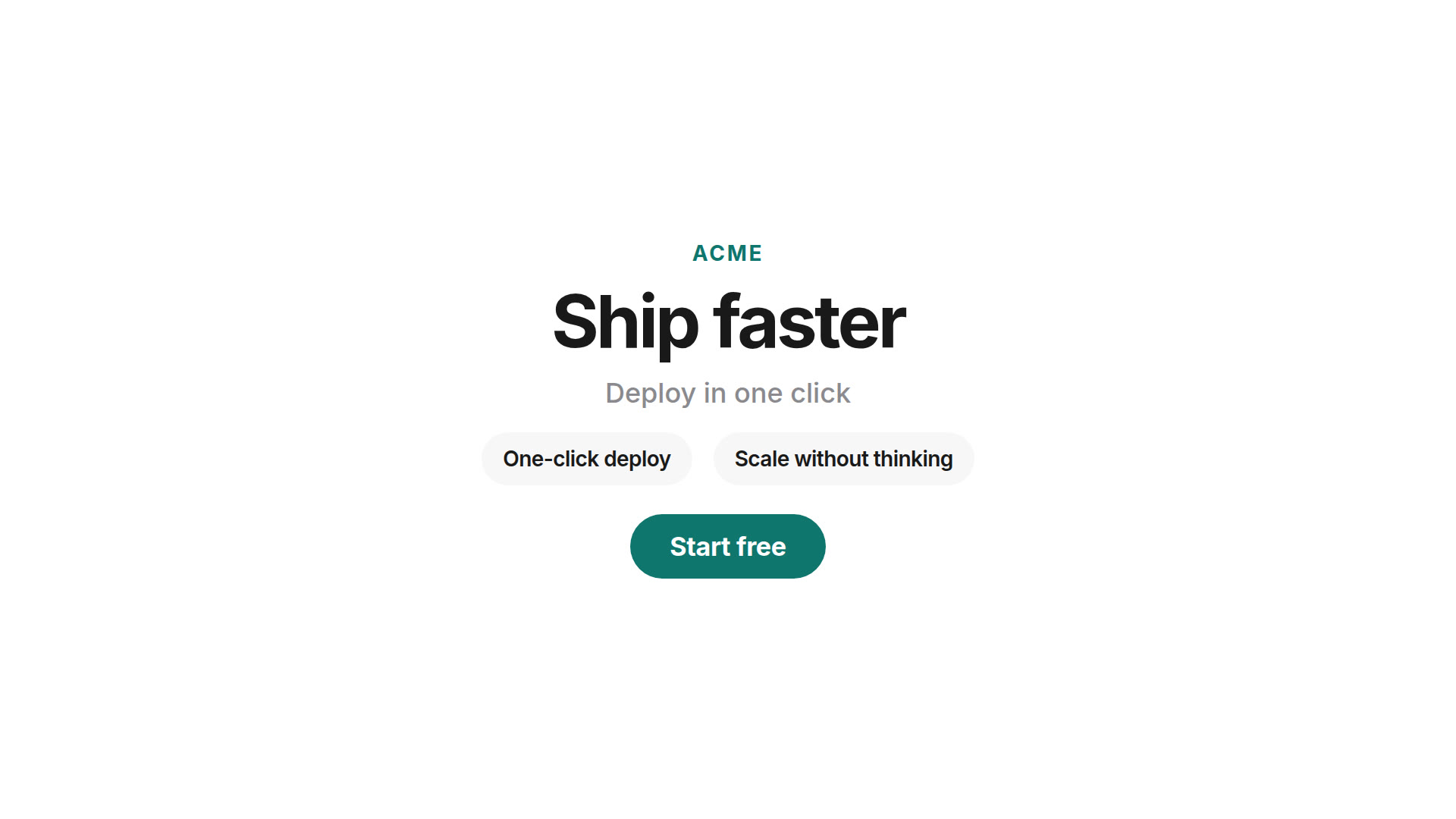 Product launchBrand, headline, feature beats, CTA.
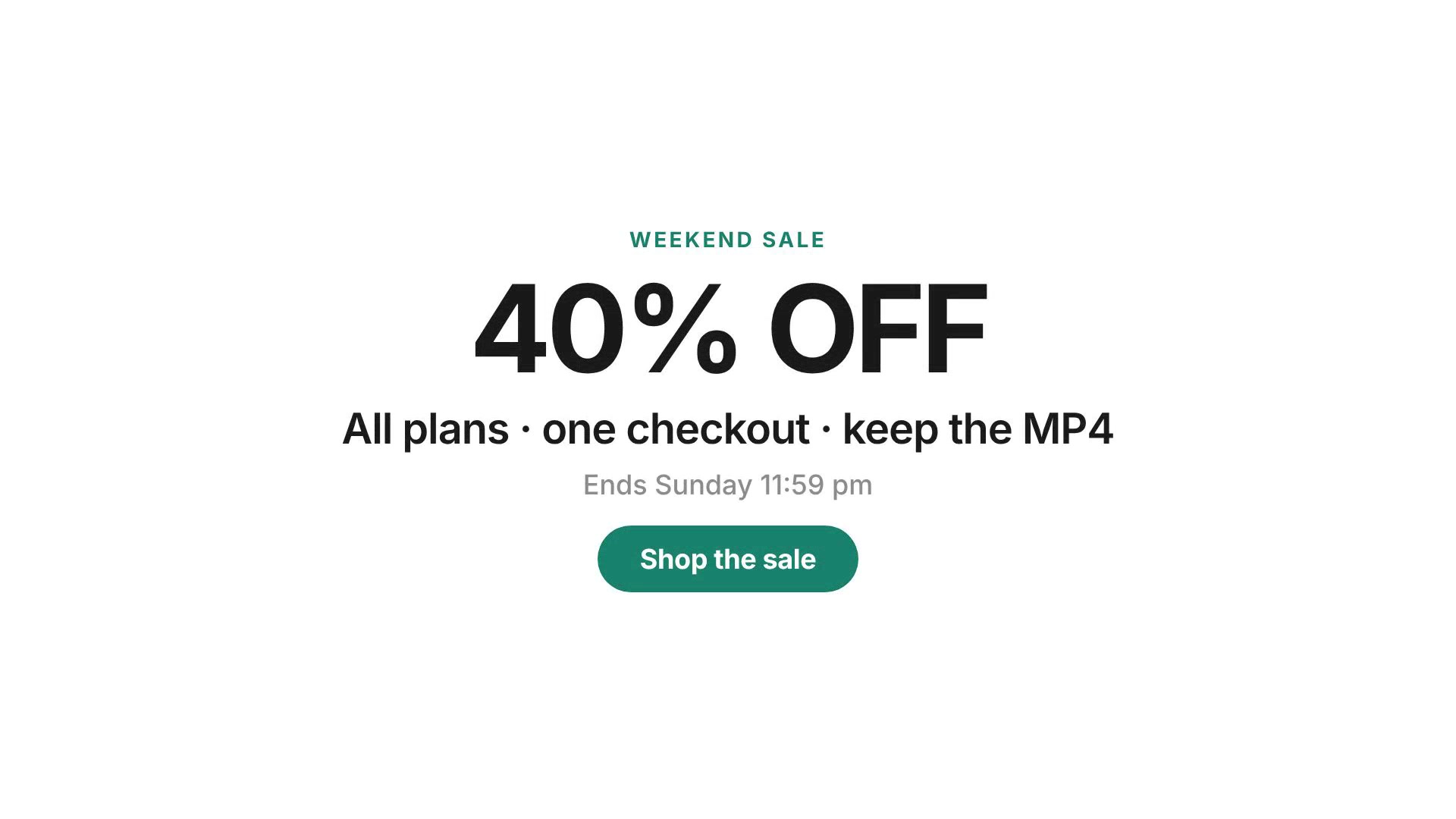 Sale promoOffer, deadline, shop CTA.
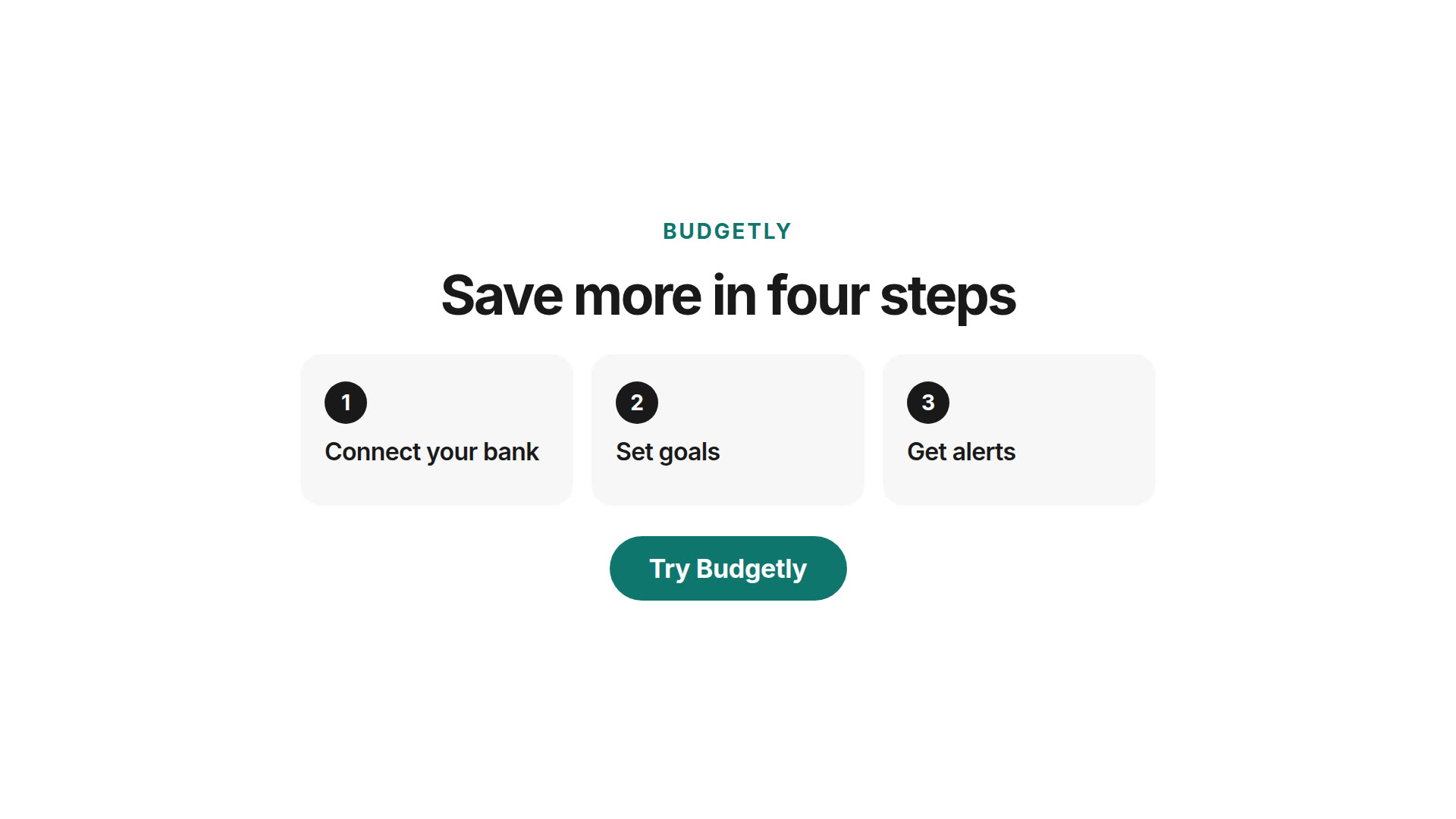 App demoThree-step product explainer.
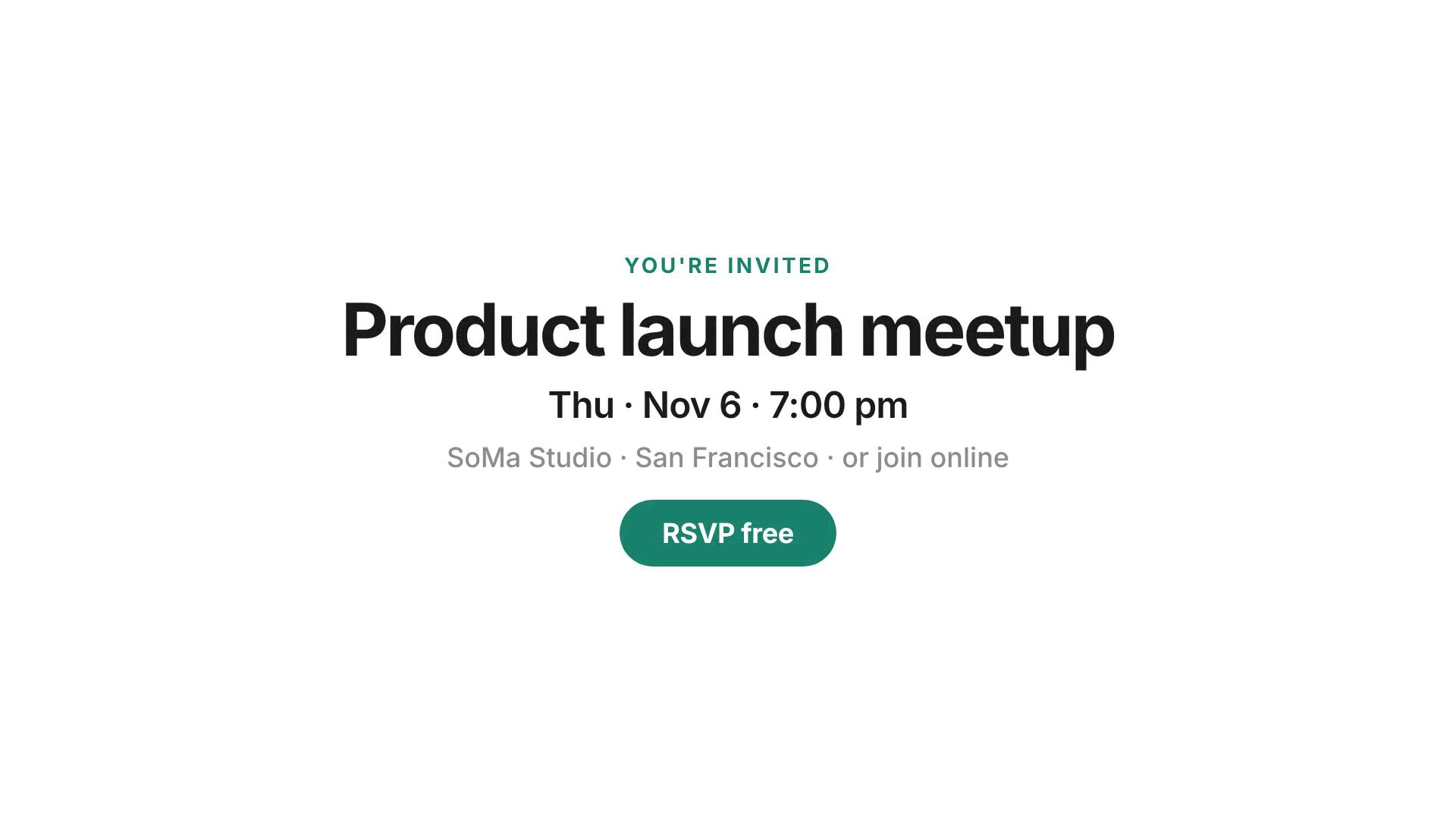 Event inviteDate, venue, RSVP for launch events.
More packs: Video templates.
How to make a product demo video on Html2MP4
- Choose a starting point — Fastest: use the Templates form above (Product launch, Sale promo, App demo, Event invite). Or open Website to video / HTML to MP4 / Prompt to video from Start or HTML in the top nav (hamburger on mobile).
- Submit for render — There is no preview editor before submit. Successful jobs cost 1 credit; system failures return the credit.
- Download the MP4 — When the job finishes, download the H.264 file in the aspect ratio you chose.
Template library: video templates. Website path: website to video. Free-form brief: prompt to video.
Quick start checklist
- Pick an official pack — Use a card above or the form. Sign in when prompted; new accounts get 3 free signup credits.
- Fill ≤ ~6 schema fields — Brand name, headline, colors, CTA, offer or date as the pack allows.
- Choose aspect ratio — 16:9, 1:1, 4:5 or 9:16 before you enqueue.
- Enqueue the render — No submit-time preview editor. A successful job costs 1 credit.
Common questions
How do I make a product demo video without a timeline editor?
Pick an official template in the form above (or from the cards below), fill the short field schema, pick format and length, then enqueue. There is no preview editor before submit — the server renders with HyperFrames and you download the MP4 (1 credit on success).
Which template should I start with?
Product launch for feature beats + CTA, Sale promo for offers and deadlines, App demo for a three-step explainer, Event invite for launch events. Browse all packs on Video templates.
Can I start from a website or HTML instead?
Yes. Use Start or HTML in the top nav (or hamburger on mobile), or open Website to video / Product launch video / HTML to MP4. Same hosted credit rule; no public REST API for jobs.
Do I need to sign in, and what does a credit cost?
Yes — create jobs need an account. New accounts get 3 free credits to try. Each successful Templates render spends 1 credit. System failures return the credit. See Pricing for packs.